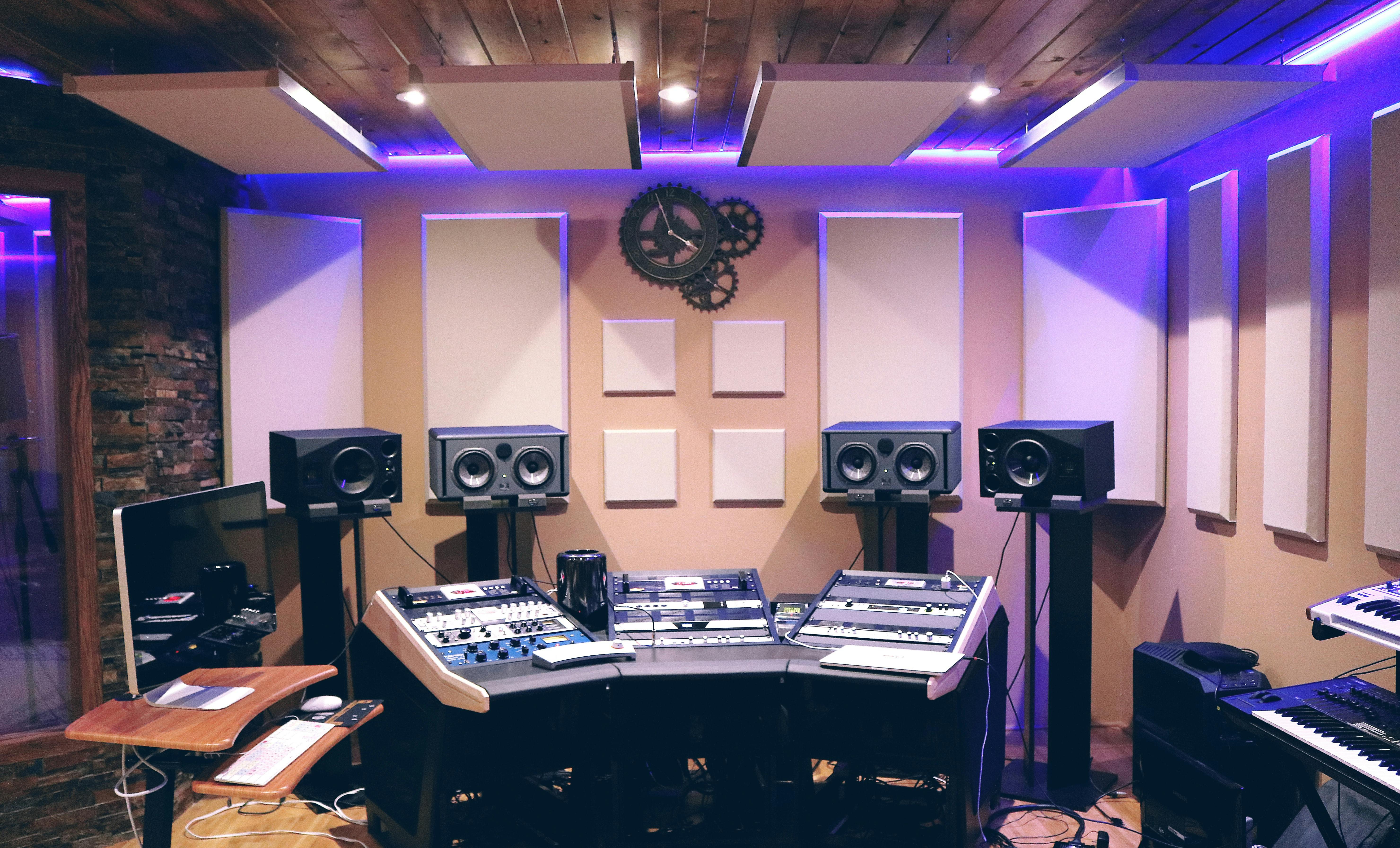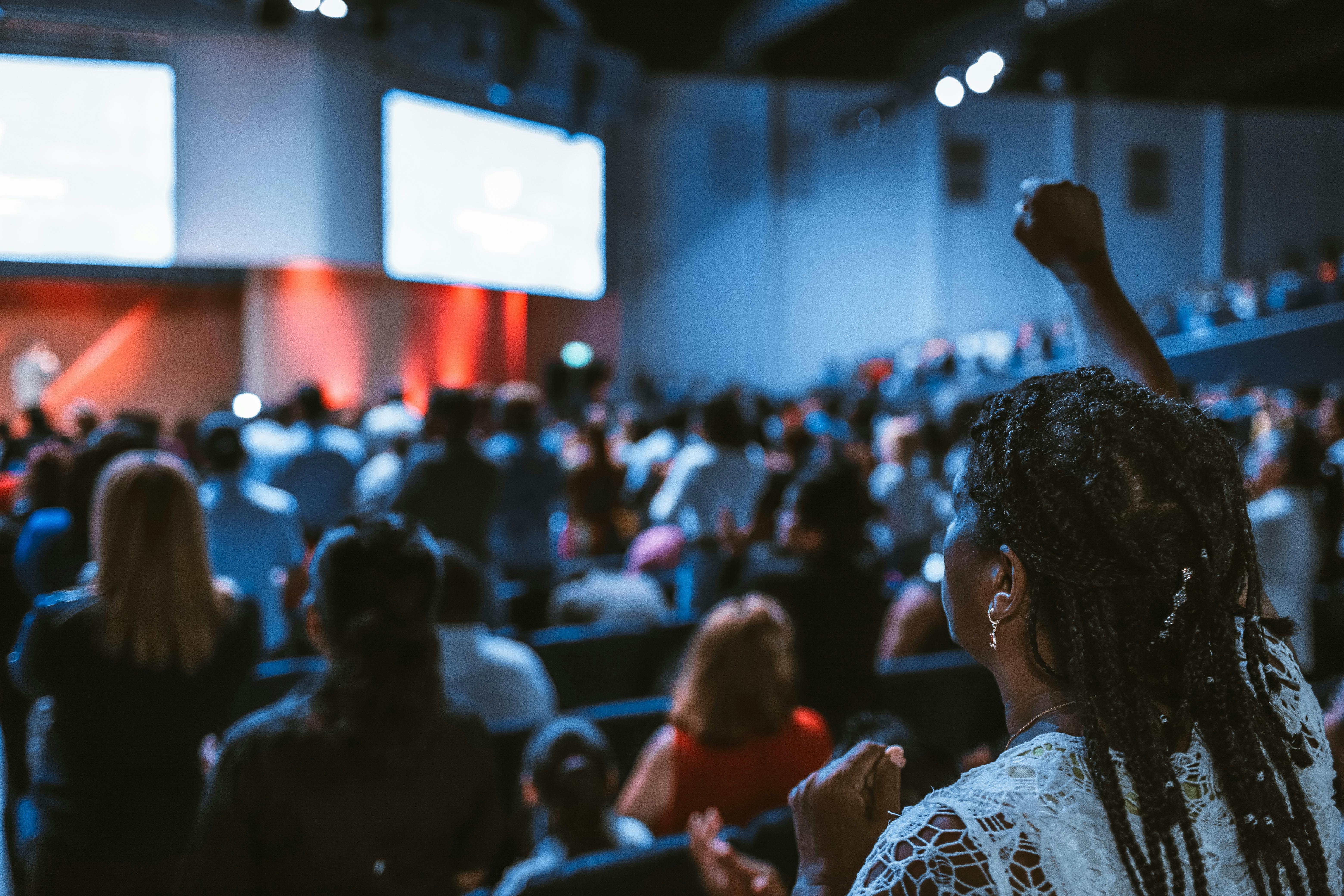
Building your own professional livestream setup empowers your church to reach online audiences with broadcast-quality streams. This guide will help you select the right equipment, set up your system, and train your team to operate everything independently.
Planning Your Church Livestream System
Before purchasing equipment, assess your church's specific needs:
- Sanctuary size and layout
- Typical service format and activities
- Budget for initial setup and ongoing costs
- Available volunteers and their technical comfort level
- Internet bandwidth and reliability
Essential Equipment You'll Need
Camera Setup
Start with a simple but professional camera setup that your team can easily operate:
- Primary Camera: PTZ (Pan-Tilt-Zoom) camera for easy remote control
- Secondary Camera: Fixed wide-angle camera for congregation shots
- Video Switcher: Simple 2-4 input switcher for camera transitions
- Streaming Encoder: Dedicated hardware for reliable streaming
Audio Equipment
Professional audio is crucial for online viewers. Here's what you'll need:
- Audio interface to connect your existing sound system
- Backup wireless microphones for speakers
- Audio monitoring equipment
- Cables and adapters for various connections
Setting Up Your System
Camera Positioning
Strategic camera placement ensures engaging coverage:
- Main Camera: Center position focused on the pulpit/stage
- Wide Camera: Side angle capturing the full sanctuary
- Close-up Shots: For worship leaders and special moments
Network Setup
Reliable internet is essential for consistent streaming:
- Dedicated internet connection for streaming (minimum 10 Mbps upload)
- Wired ethernet connection preferred over WiFi
- Backup internet solution (mobile hotspot)
- Network monitoring tools
Training Your Team
Successful livestreaming requires trained volunteers who understand the equipment:
Essential Training Topics:
- Camera operation and basic composition
- Audio level monitoring and adjustment
- Streaming software operation
- Troubleshooting common issues
- Emergency procedures and backup plans
Creating Standard Operating Procedures
Document everything so your team can operate independently:
- Pre-service equipment checklist
- Step-by-step streaming startup procedure
- Camera switching guidelines
- Post-service shutdown process
- Weekly maintenance tasks
Choosing Streaming Platforms
Select platforms that best serve your congregation:
- YouTube Live: Best for discoverability and archive storage
- Facebook Live: Great for community engagement
- Church Website: Direct connection with your congregation
- Multi-streaming: Reach audiences on multiple platforms simultaneously
Ongoing Support and Maintenance
Keep your system running smoothly with regular maintenance:
- Weekly equipment checks and cleaning
- Monthly software updates
- Quarterly training refreshers for volunteers
- Annual equipment evaluation and upgrades
Budget-Friendly Tips
Build your system gradually without breaking the budget:
- Start with basic equipment and upgrade over time
- Consider refurbished professional equipment
- Invest in training to maximize equipment potential
- Partner with other churches to share knowledge and resources
Building your own livestream setup is an investment in your church's future ministry. With the right equipment, proper training, and ongoing support, your team can deliver professional-quality streams that effectively share your message with online audiences. Remember, the goal isn't perfection from day one – it's building capability and confidence over time.